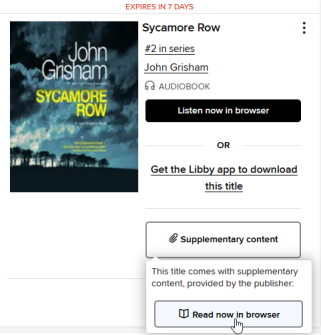
How to open supplementary content
Supplementary content is bonus content that comes with certain titles (like additional illustrations, maps, documents, or diagrams). A title with supplementary content will say "includes supplementary content" on its details page.
To open supplementary content:
- Go to your Loans page (under
 ).
). - Select Supplementary content next to the borrowed title, then select Read now in browser or Listen now in browser. The supplementary content will open in a new tab in your browser.