How to place a hold
Sometimes you can't borrow a title immediately, usually because another user has already borrowed it or the title hasn't been released yet. If the title's not available, you can place a hold on it and be notified by email when it's available.
Note: Some libraries and library partnerships don't allow users to place holds. In these cases, you won't see the option to place a hold.
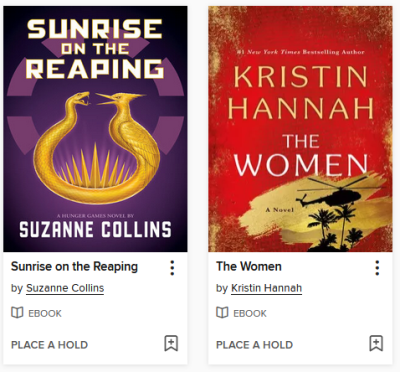
To place a hold on a title, follow the steps below.
-
Click or tap Place a hold under a title (or on its details page).
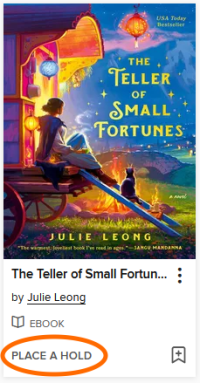
- If you've already provided your email address to your library's digital collection, the hold will be placed automatically.
If there isn't a saved email address for your account, enter and confirm one when prompted. Then, select Place a hold.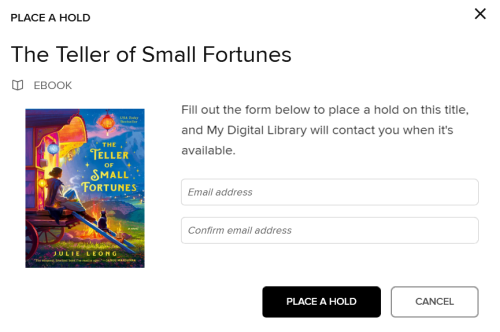
When the hold is available for you, you'll get a notification and can borrow it from your Holds page (under  ).
).


