How to cancel a hold
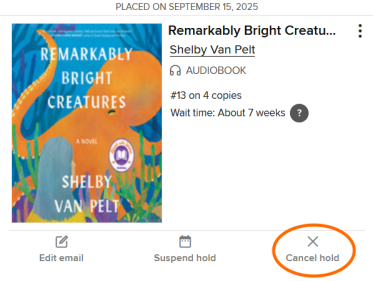
If you're no longer interested in a title that you have on hold, follow the steps below to cancel your hold.
- In your library's digital collection, click or tap
 , then select Holds.
You'll need to be signed into your library to get to this page. - Select Cancel hold under the title you no longer want.